
.jpg)
How Long Can a Tesla Powerwall 3 Power Your Home?
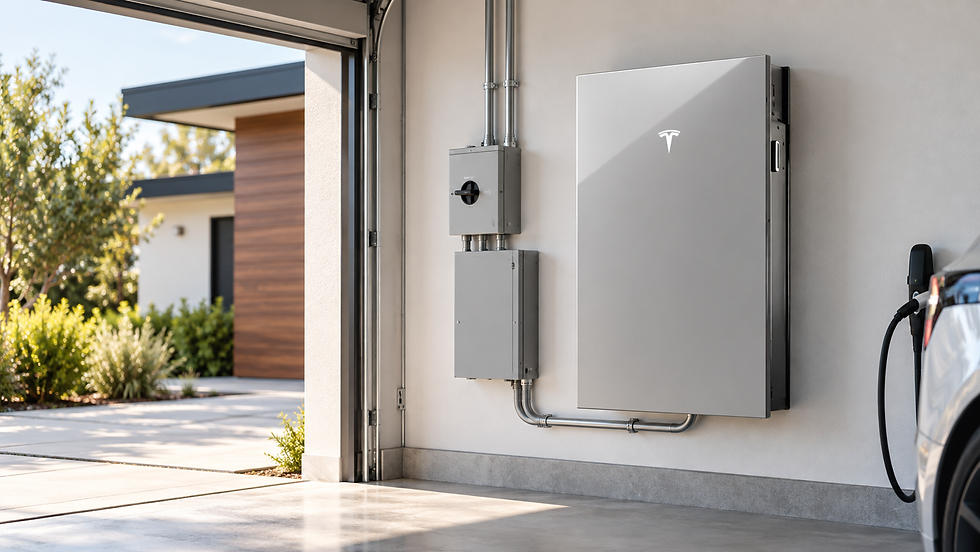
What determines backup duration, and how does your household energy use affect runtime?
A Tesla Powerwall 3 can keep your essential appliances running during a power outage, but how long will it actually keep the lights on?
For some homes, a single Powerwall 3 provides enough backup power to get through the night. With careful energy management, it can stretch past a full day. However, running heavy electrical loads like central air conditioning, electric heat, an EV charger, or multiple large appliances can drain the battery in just a few hours.
Ultimately, your runtime depends less on the square footage of your home and more on how much electricity you consume while the grid is down.
How Much Energy Does the Powerwall 3 Store?
According to Tesla’s technical specifications, a single Powerwall 3 provides:
13.5 kilowatt-hours (kWh) of usable energy capacity
Up to 11.5 kilowatts (kW) of continuous AC power output
Automatic backup transition when paired with compatible Tesla backup hardware
Seamless solar integration to recharge the battery during daylight hours
Understanding the distinction between these specs is essential:
Energy Capacity (kWh) dictates how long the battery can run your home.
Power Output (kW) dictates how much equipment it can run simultaneously.
While the Powerwall 3 delivers plenty of continuous power to start and operate demanding appliances, every device draws from that same 13.5 kWh pool of energy. The more equipment you run at once, the faster that energy disappears.
Powerwall 3 Estimated Runtimes
A quick way to estimate battery runtime is to divide total capacity by your home's average electrical load:
$$\text{Estimated Runtime (Hours)} = \frac{13.5\text{ kWh}}{\text{Average Household Load (kW)}}$$
Using this formula, a fully charged Powerwall 3 yields the following theoretical runtimes:
Average Household Demand | Estimated Runtime |
0.5 kW (500 Watts) | ~27 hours |
1.0 kW (1,000 Watts) | ~13.5 hours |
2.0 kW (2,000 Watts) | ~6.75 hours |
3.0 kW (3,000 Watts) | ~4.5 hours |
5.0 kW (5,000 Watts) | ~2.7 hours |
Note: These are simplified planning estimates. Real-world runtime may vary based on your starting battery charge, fluctuating household loads, and system reserves.
What Can One Powerwall 3 Run?
Scenario 1: Essential Loads Only
If you focus strictly on running critical items—such as a refrigerator/freezer, Wi-Fi router, LED lighting, phone/laptop chargers, TV, fans, garage door opener, and critical medical devices—your load will average around 500 watts (0.5 kW). Under these conditions, one Powerwall 3 can last approximately 27 hours.
Scenario 2: Standard Daily Routine
If you maintain a normal routine with refrigeration, lighting, electronics, occasional microwave use, and intermittent small appliances, your demand may average 1.5 kW.
$$13.5\text{ kWh} \div 1.5\text{ kW} \approx 9\text{ hours of runtime}$$
Scenario 3: High-Power Loads
If you introduce heavy 240V equipment—like central air conditioning, electric space heating, electric water heaters, cooktops, well pumps, or EV charging—the battery can drain in under 3 to 4 hours.
Tesla Powerwall 3 supports both standard 120V appliances and large 240V heavy equipment, provided the system configuration is properly designed.
6 Key Factors That Determine Backup Duration
1. The Battery’s Starting Charge
Outages rarely happen on a convenient schedule. Through the Tesla app, you can set a Backup Reserve percentage. A higher reserve ensures more energy is held for sudden blackouts, while a lower reserve leaves more capacity for daily solar self-consumption or utility rate optimization. Tesla's Storm Watch feature helps by automatically charging the battery to 100% when severe weather is detected.
2. Heating and Air Conditioning
HVAC systems are often a home's largest energy draw. Total consumption depends on your system type, insulation, thermostat settings, and outdoor temperatures. Adjusting your thermostat by just a few degrees during an outage can dramatically extend battery life—a critical step during humid summers or freezing winter storms across Southern Indiana, Southern Illinois, and Western Kentucky.
3. Electric Water Heating and Cooking
Electric water heaters, ovens, ranges, clothes dryers, and dishwashers draw substantial power. Delaying laundry, dishwashing, and long cooking sessions keeps energy available for essential refrigeration, lighting, and communication.
4. EV Charging
Charging an electric vehicle consumes stored battery power rapidly. Unless driving is essential during an emergency, it is best to pause EV charging during prolonged outages.
5. Solar Production
Pairing your battery with solar panels changes the math entirely. During daylight hours, your solar array powers your home and recharges the Powerwall. If your panels generate enough daily energy, the battery can carry your home through the night and top off again the next morning, extending your backup window significantly.
6. Number of Batteries
Expanding your battery capacity is the most straightforward way to gain extra runtime:
System Configuration | Total Capacity | Runtime at 1 kW Average Load |
1x Powerwall 3 | 13.5 kWh | ~13.5 hours |
2x Powerwall 3 | 27.0 kWh | ~27 hours |
3x Powerwall 3 | 40.5 kWh | ~40.5 hours |
Tesla also offers Powerwall 3 Expansion units (13.5 kWh each) to add capacity efficiently without installing extra full-system hardware.
Whole-Home Backup vs. Unlimited Power
Choosing a whole-home backup system means the battery feeds your entire main electrical panel rather than a limited "critical loads" panel. It does not mean you can run every appliance indefinitely.
A successful battery backup design must answer two separate questions:
Power: Can the system deliver enough peak kilowatts to start and run high-draw equipment?
Energy: Does it hold enough kilowatt-hours to keep that equipment running for as long as you need it?
How to Maximize Your Powerwall Runtime During an Outage
Prioritize key equipment: Stick to refrigeration, lighting, internet, and medical devices.
Manage the thermostat: Ease up on heating or cooling demands.
Stagger appliance use: Avoid running multiple high-draw devices at once.
Postpone chores: Hold off on laundry, dishwashing, and heavy oven cooking.
Pause EV charging: Save battery storage for household necessities.
Leverage the sun: Run higher-demand appliances during peak daytime hours when solar energy is actively generating.
Monitor energy live: Track consumption in real time using the Tesla app.
How Many Powerwalls Do You Need?
There is no one-size-fits-all answer. A modest home utilizing natural gas for heating and hot water will have vastly different energy requirements than a fully electric home with central AC, a well pump, and an EV charger.
Determining the ideal system size requires evaluating:
Daily and hourly energy consumption patterns
Critical vs. optional appliance loads
HVAC electrical specs and motor-starting requirements
Desired duration of emergency backup
Existing or planned solar array capacity
Electrical panel setup and available installation space
Power Your Home with Morton Solar
One Powerwall 3 offers 13.5 kWh of energy storage—yielding roughly 13.5 hours of backup at a 1 kW load, or up to 27 hours at 500 watts. By combining battery storage with solar production and smart energy habits, you can keep your home resilient through extended utility failures.
As a Tesla Certified Powerwall Installer, Morton Solar designs customized solar and battery systems tailored to your energy usage, property, and emergency needs across Southern Indiana, Southern Illinois, and Western Kentucky.
Ready to secure reliable backup power for your home?
Contact the Morton Solar team today at (812) 402-0900 or request your personalized solar and battery review online.


Comments